

Barrow Full Cover Graphics Card Water Cooling Blocks,For MSI RTX2060 Ventus X5 C 6G OC, BS-MSV2060-PA
Barrow Full Cover Graphics Card Water Cooling Blocks,For MSI RTX2060 Ventus X5 C 6G OC, BS-MSV2060-PA
SKU:BS-MSV2060-PA
Verfügbarkeit für Abholungen konnte nicht geladen werden
Compatibility:
(Including but not limited to the following models)
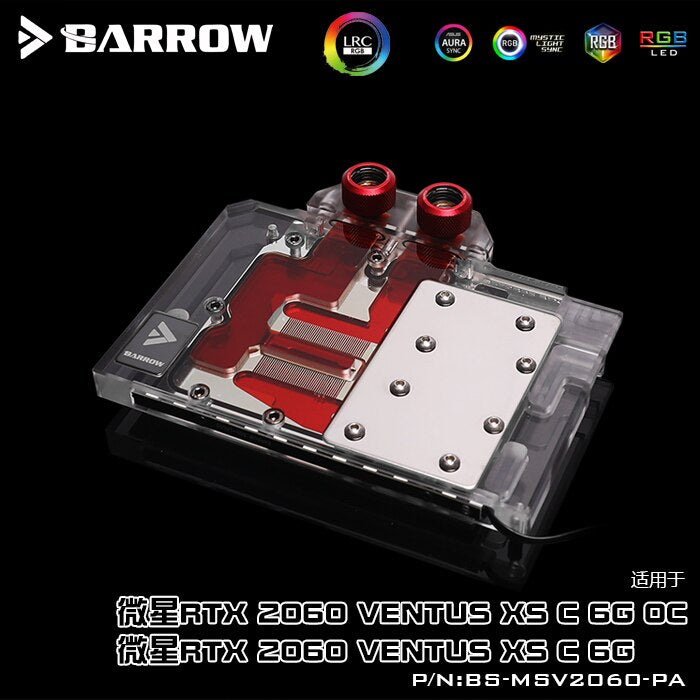
MSI RTX 2060 Ventus XS C 6G OC
MSI RTX 2060 Ventus XS C 6G
Compatibility based on this(these) PCB designs only.
Inlet/outlet port size: G1/4" thread
Parts Included:
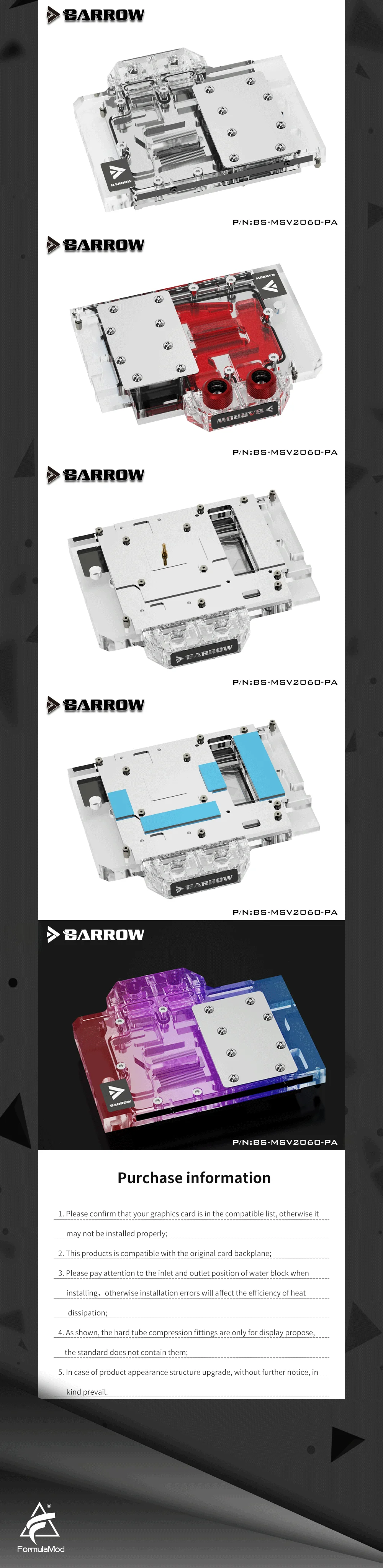
1x Full coverage GPU water block (according to the options of the selection)
1x Backplane (according to the options of the selection)
2x Plug fitting
1x Screw set
1x Barrow thermal pads (set)
Warnings:
1. Addressable RGB/A-RGB is 5V 3pin lighting system, and is ONLY compatible with 5V components.
RGB is 12V 4pin lighting system, and is ONLY compatible with 12V components.
Mix and match will NOT work and will cause damage.
2. You may request a change-of-mind return within 14 days after delivery. Outside the EU and UK, the item must be unused, uninstalled, and resalable. You pay the return shipping costs for a change-of-mind return. Returns are sent to Guangzhou, China, after you contact us for return instructions. We issue the refund after receiving and checking the returned goods. Within 30 days after delivery, you may request a refund for a product problem; we pay the return shipping costs for quality issues. EU and UK consumers may notify us of withdrawal within 14 days after delivery; use beyond what is necessary to inspect the goods may lead to a reasonable deduction for actual diminished value, rather than an automatic refusal of withdrawal. Contact customermanager@formulamod.com; we reply within 1 business day. See our Refund Policy for the return address, recipient, and full instructions.
3. The manufacturer reserves the right to alter the block design to expand compatibility or upgrade/modify the product. The delivered item may not 100% match the pictured item.
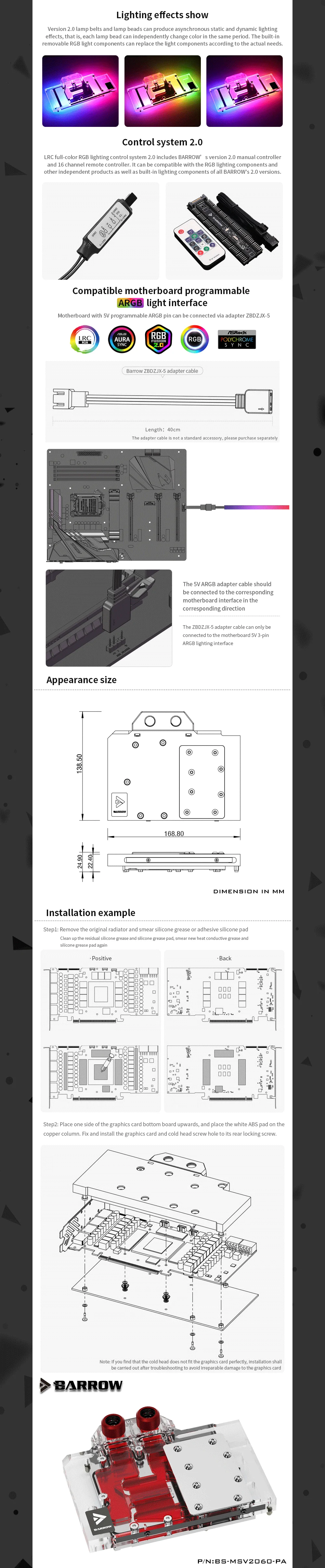
The product does NOT come with English instructions. Please see the product gallery images for the install guide if available. Generally, thermal pads should be installed on the card where the block has corresponding raised contact points, except the GPU core, which uses thermal pad. In the middle part of product gallery images, there will be a picture description/display where the thermal pad should be placed. Installing pads on other components can lead to improper contact and poor performance.
4. Not responsible for any damage caused by or when using this product. Please use it at your own risk.